OLYMPIA NOISE CO.
Electronic Musical Instruments

Recent Blog Posts

Patterning 3 : Drum Machine
Circular Beats
Patterning, the award-winning circular drum machine, is back with version 3.
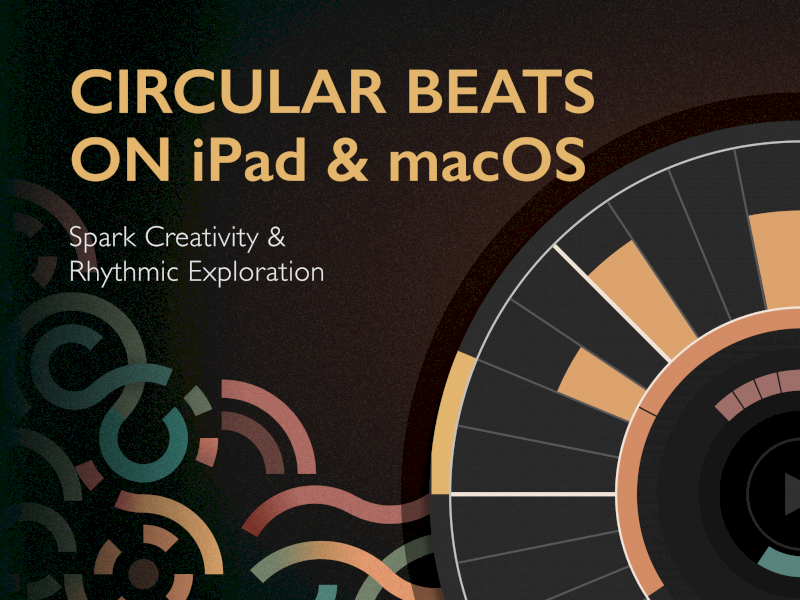
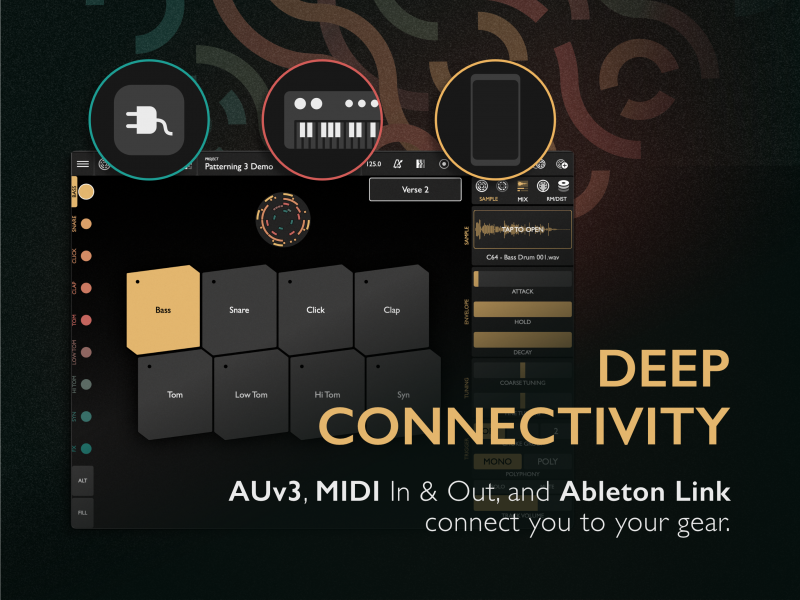
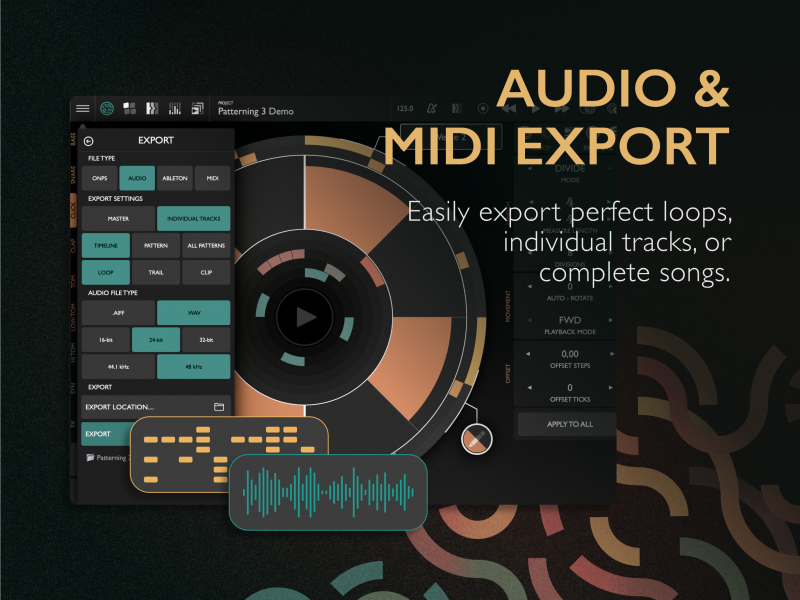
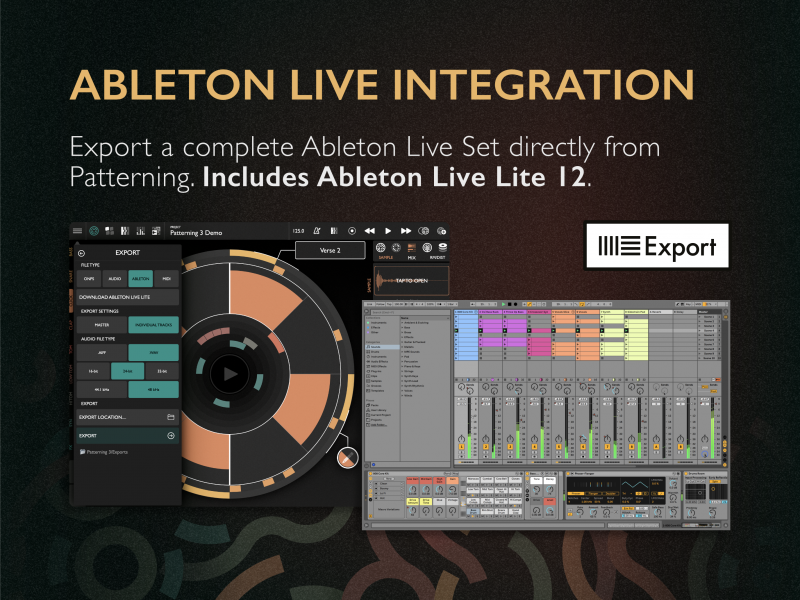
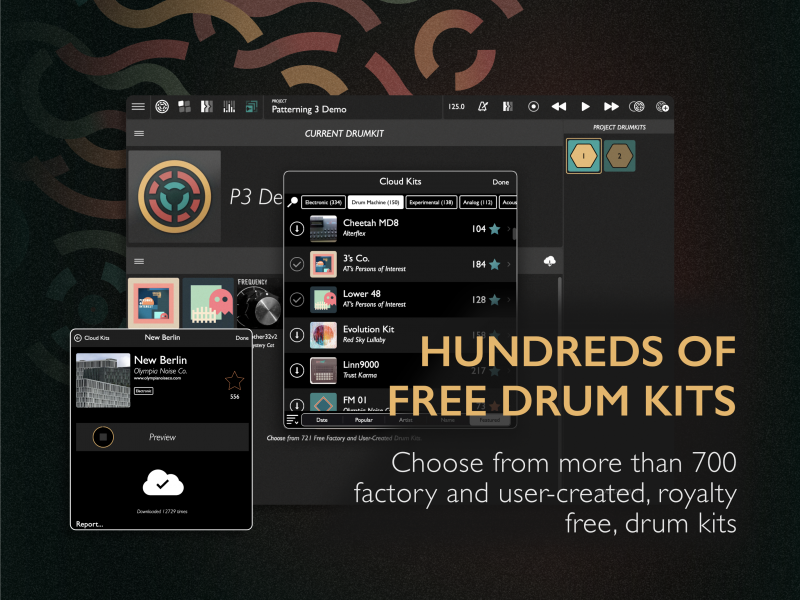
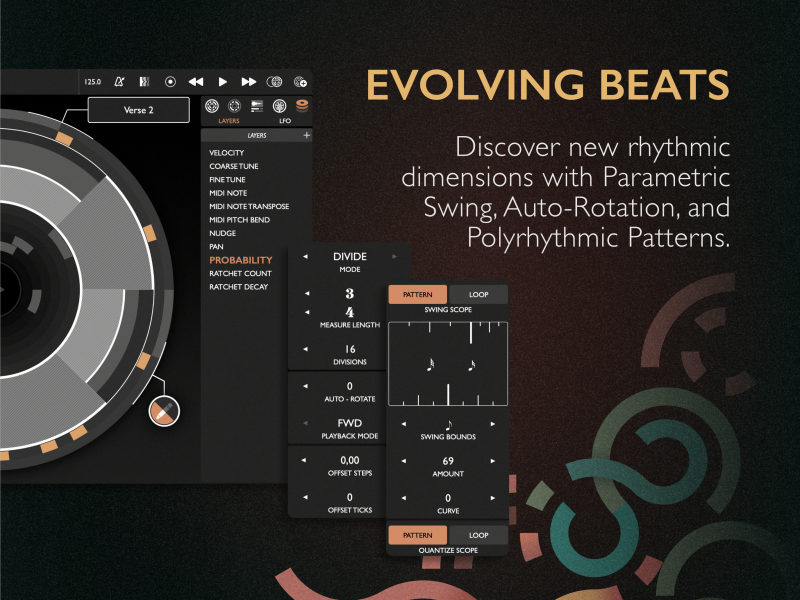
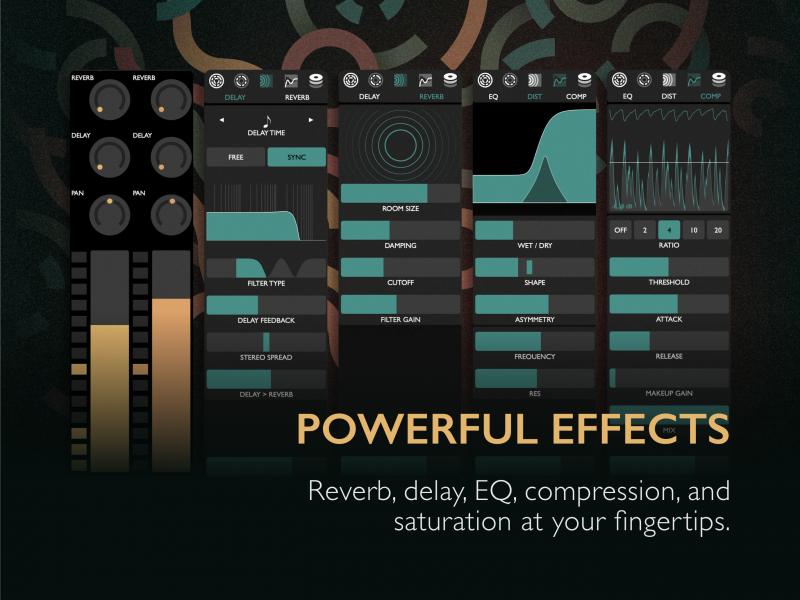
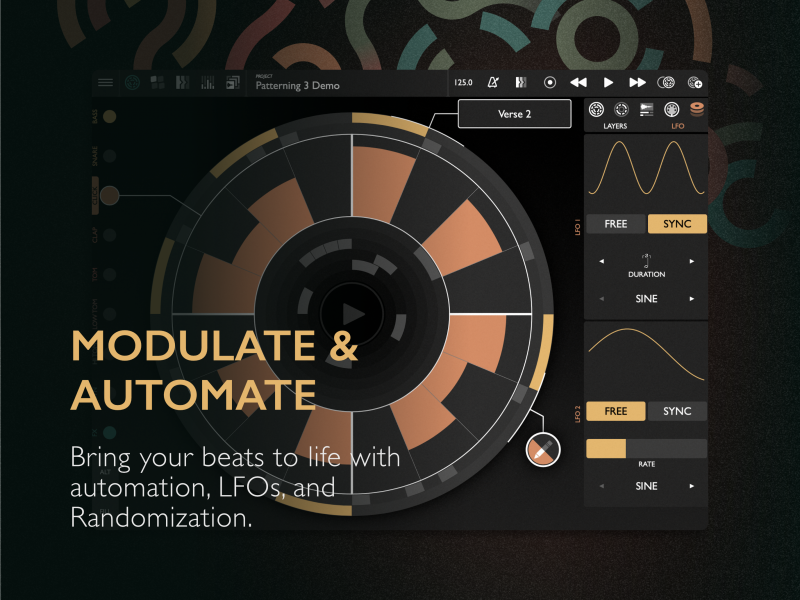
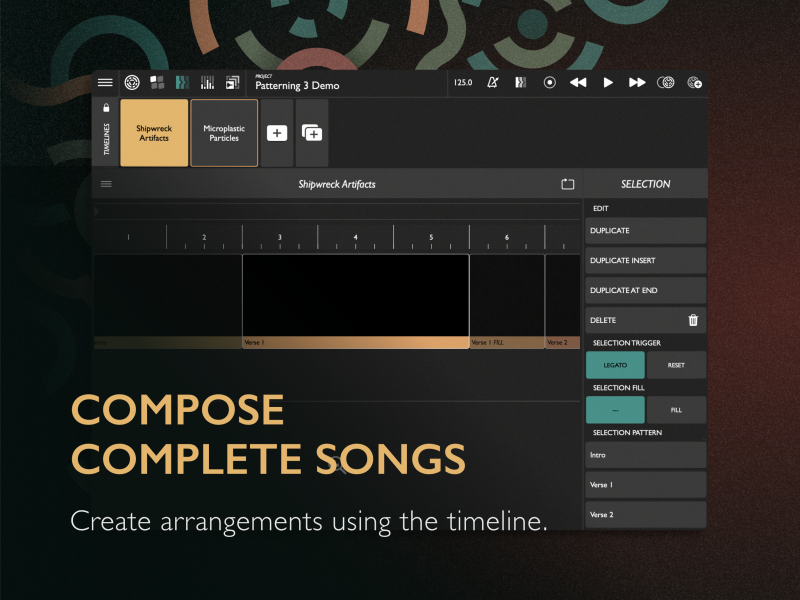
Building on the deep feature set and intuitive interface that has made Patterning a favorite among musicians for nearly a decade, Patterning 3 introduces new tools to spark creativity and rhythmic exploration.
With the latest 3.1 update, Patterning now runs on macOS, bringing its unique circular beats to desktop for the first time.
First released in 2015, Patterning was the first drum machine (to our knowledge) to feature per-track step lengths—opening up a world of polymetric and polyrhythmic possibilities. With its addictive circular interface and growing community of over 700 free user-created kits, Patterning became a beat-making hub for creative comrades, musical explorers, and curious beginners alike.
What’s New in Patterning 3
- ▶ AUv3 Support
Run Patterning as a plugin in hosts like Ableton Live, Logic, AUM, and more. Includes multi-channel output and MIDI support. - ▶ macOS Compatibility
Run as a standalone or AUv3 plugin on Apple Silicon Macs. - ▶ Parametric Swing
A novel approach to swing—from subtle grooves to wild, drunken beats. - ▶ Fill Patterns
Create alternate “fill” versions of patterns to use for transitions or dramatic effect. - ▶ Modulation
Use LFOs, randomization, and velocity to modulate most parameters. Just hold ALT to assign. - ▶ FX Track
Automate and modulate effects with a dedicated track. Add motion, texture, and depth. - ▶ Multiple Timelines
Compose full songs and loop sections with an upgraded timeline editor. - ▶ New Effects
Track saturation, ring modulation, master compressor, expanded EQ and delay controls. - ▶ Export Options
Export stereo or multichannel audio, MIDI, or full Ableton Live Sets. Drag & drop MIDI directly into your DAW. - ▶ Quantize & Nudge
Refine recorded beats using nudge and adjustable quantization settings. - ▶ Fast Automation Layers
Touch a parameter to instantly reveal its automation layer on the circle.
More Features
- Unique circular interface for quick, inspiring beat-making
- 8 drum tracks, with sampler and MIDI out per track.
- Unlimited patterns
- Independent loops, up to 512 steps long
- Step sizes from 1/32 to whole note, and everywhere in between (triplets and dotted notes!)
- Playback modes - Forward, Backwards, Pendulum, and Random
- Record beats via drum pads
- Deep sampler engine with pitch, envelope, filter, FX sends, distortion, and more
- Sequence automation for filters, FX sends, MIDI, and more
- Next generation ratcheting.
- 700+ free user & artist-created drum kits
- Full MIDI I/O and control
- Ableton Link, MIDI Clock, and AU Host sync
Read the Patterning 3 User Manual for more info.
User Reviews of Patterning 3
★★★★★ One of the greatest drum apps ever
May 7, 2025 – stgisler (Switzerland)
I love it since version 1. I've never found a more interesting and intuitive drum app or drumcomputer hardware for instant playing, improvising, and composing from scratch.
★★★★★ The best iOS drum machine now with AUv3 Mac Support
Apr 26, 2025 – AveN6 (India)
Now with AUv3 support for Apple Silicon, my long-cherished dream to use Patterning within Ableton came true. Kudos to the developer for implementing this!
★★★★★ A UI Masterpiece
Apr 17, 2025 – ;@@username@@-%#! (United States)
Patterning takes a fresh approach to the UI for sequencing which makes it fun and intuitive to program. Aside from that it’s a tremendously powerful sequencer, that does things you simply can’t do with any other AU sequencer I know of. There’s also a wilderness of free downloadable drum kits with great sounds. Patterning is an essential plugin for me.
★★★★★ One of the best
Apr 21, 2025 – synthia rawthrock (United States)Patterning 3 has an amazing (and quick) workflow as a sequencer and lots of depth as a sample player and sound design tool. The developer is very responsive and helpful as well. Plus you can download awesome community kits. Hard to think of a more enjoyable or versatile drum app on iOS. Highly recommended!
Praise for Patterning 1 & 2
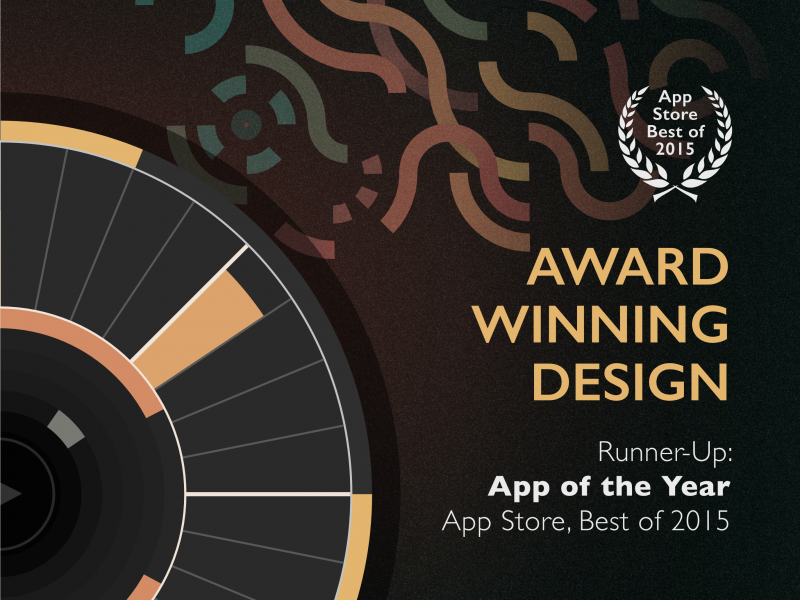
App Store Runner-Up App of the Year (iPad) — Apple, 2015
“Patterning 2 has simply made a brilliant app even better… a reason to buy an iPad.”
– Sound on Sound
“10/10”
– MusicTech.com
“Beautiful to look at, clever programming options… unique in the drum machine world.”
– MusicAppBlog
“An amazingly fun and creative app... Even beginners will create something cool.”
– AskAudio
“Patterning beats any hardware drum machine for polyrhythms and evolving patterns.”
– Sound on Sound
Buy now on the App Store, only $29.99
